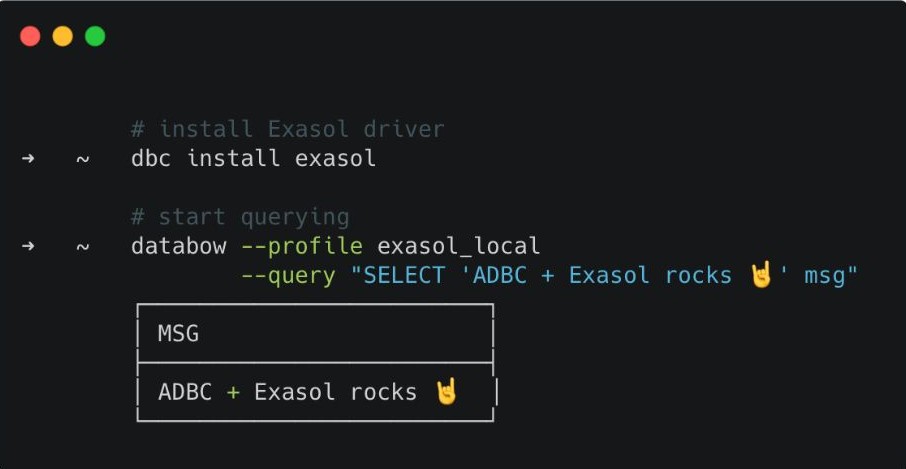
Working with Exasol from the command line just got simpler.
You can now connect to Exasol and run SQL directly from your terminal using a new ADBC-native CLI integration.
Why it matters:
• Use a single CLI across Exasol and other data systems
• Automate queries in scripts and workflows
• Experiment and prototype without adding another tool to your stack
Getting started takes three commands:
dbc install exasol
uv tool install databow
databow --driver exasol --uri "exasol:/..." --query "select 1"
The Exasol driver behind this integration is part of Exasol Labs and is called exarrow-rs. Exasol Labs is where we test new developer tooling and integrations that make it easier to work with Exasol.
Bringing Exasol closer to where developers already work – the terminal – is another step towards making high-performance analytics more open, flexible, and fun to build with.
#Exasol #ExasolLabs #DataEngineering #DataAnalytics #DataPlatform #ADBC #CLI #SQL #Developers